
This menu allows you to sell your images as products or digital files. It is essential that you activate this option if you wish to sell your images. You can access the Sales settings by clicking on the 3 dots button of a gallery within the Galleries menu.
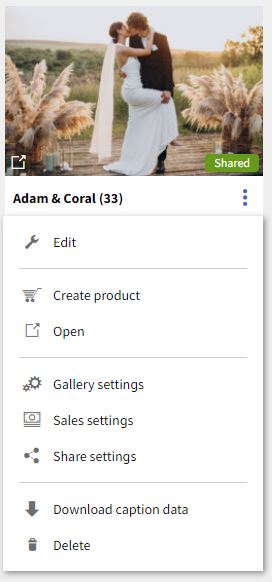
And inside the gallery, in the right column
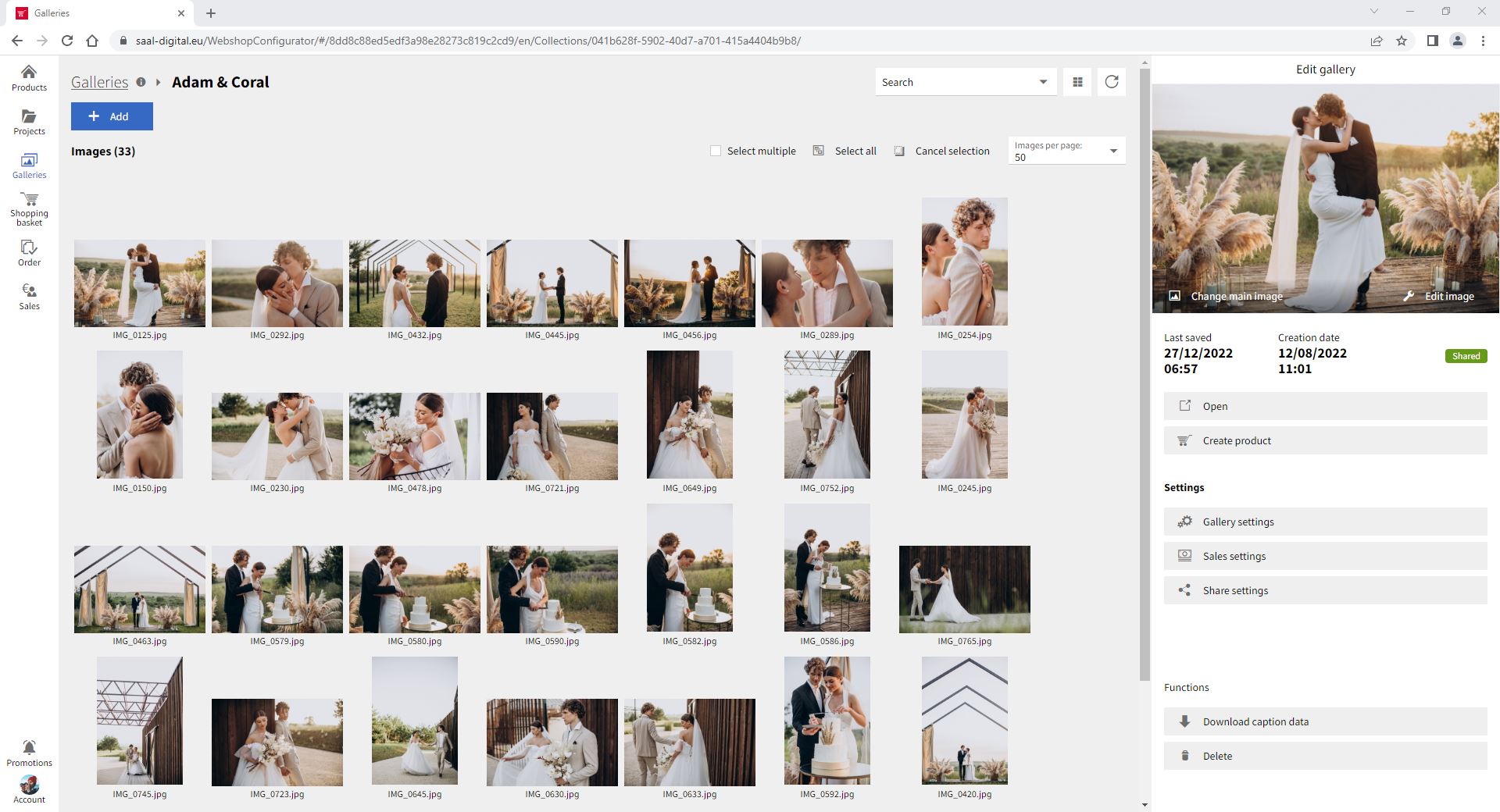
When you click on Sales settings, the first screen will ask you to activate the Activate sale option to allow images to be ordered.

Once activated, several options will be displayed for you to customize the sale of your images.

The first thing you will find is the price list. The price list selected as default when the price lists were set up is pre-selected. You can choose a different one using the price list menu. And if you need to, you can make the final adjustments to the price list by clicking on Edit.

Promotions offer customised discounts for individual galleries, including multiple discount levels and several customised options. For more information, please read the promotions article.
This will allow you to order only those products from the selected price list that match the aspect ratio of the image.
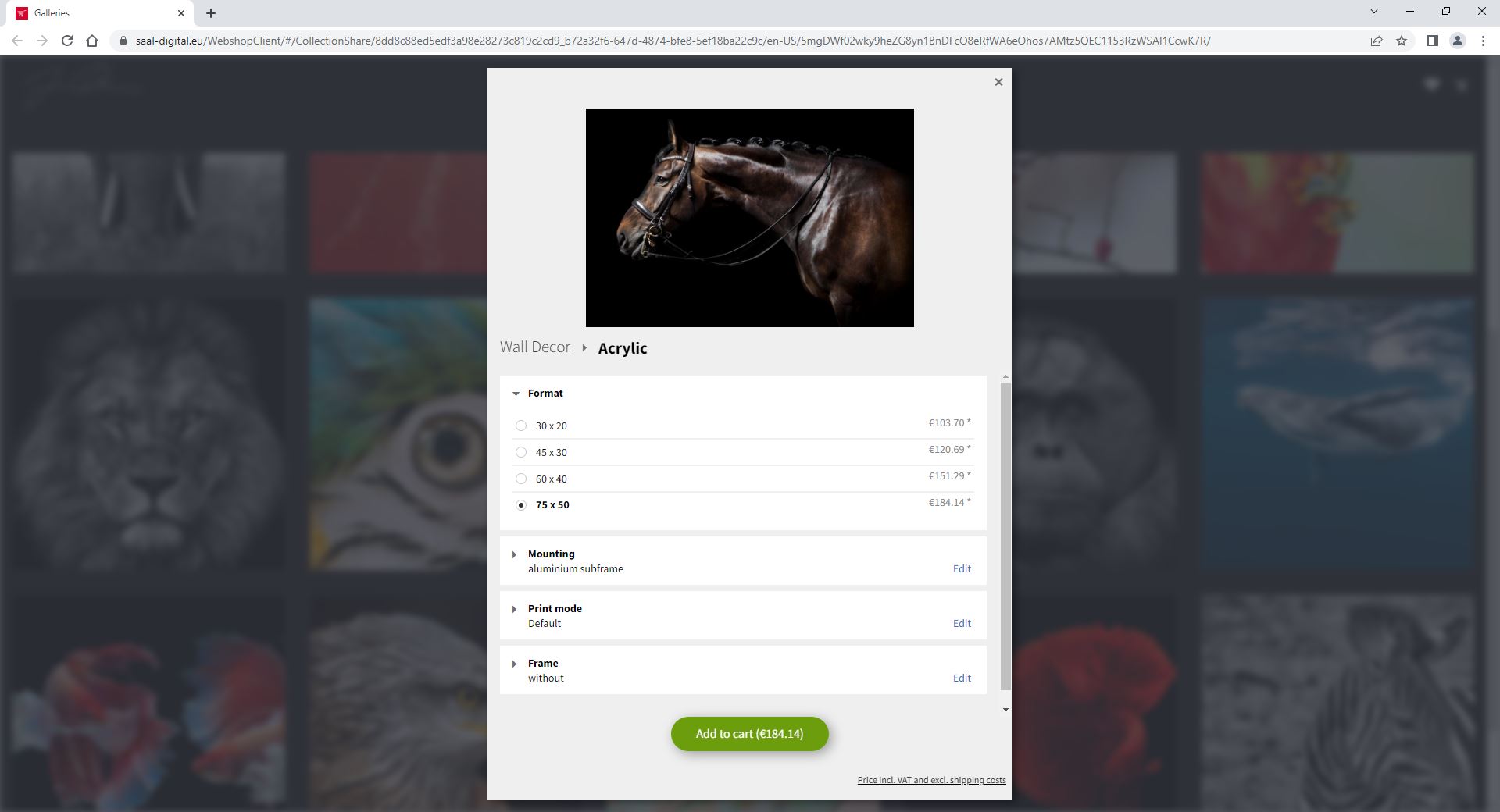
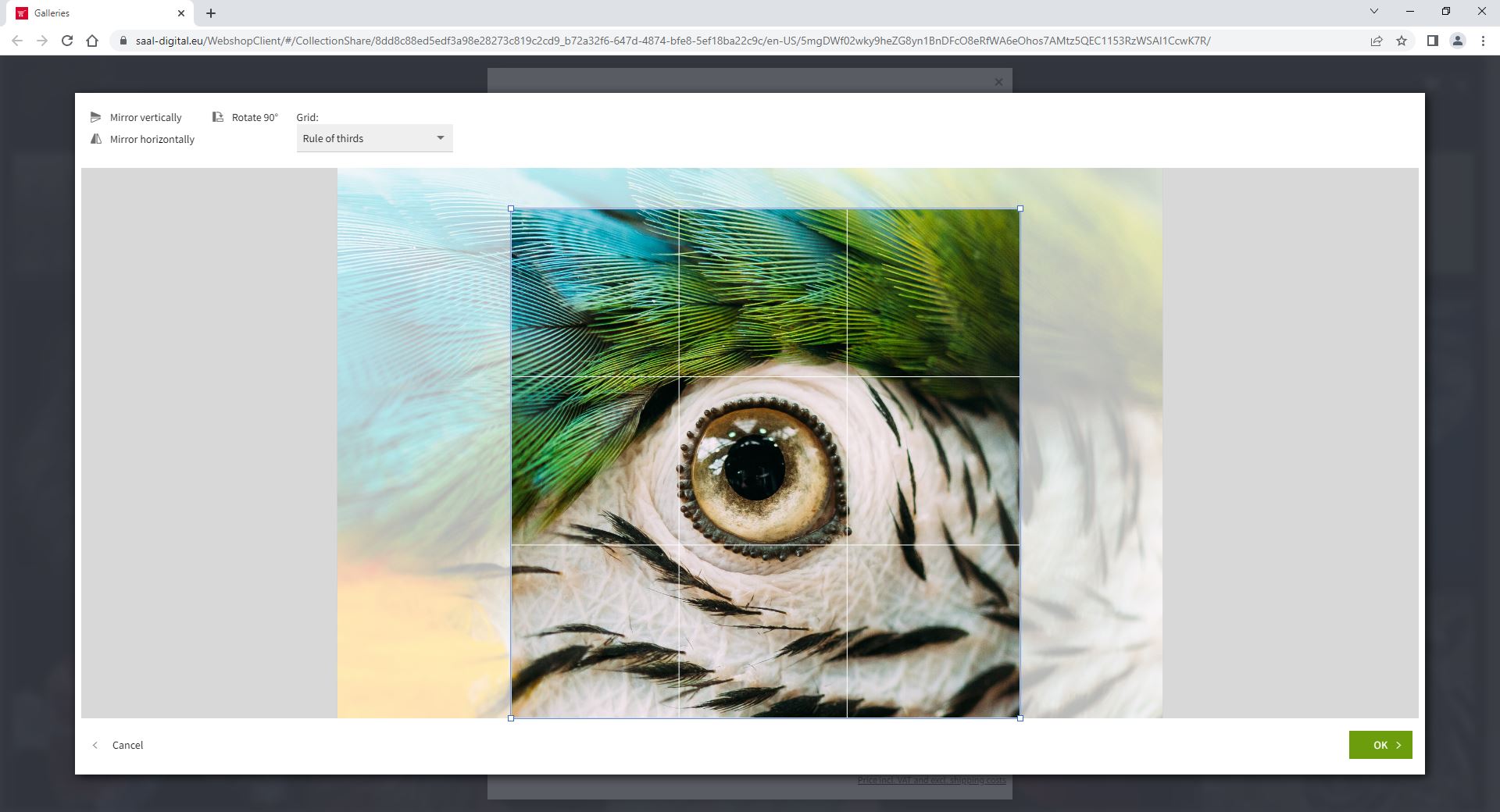
You can give the customer the option of cropping and reframing the image by activating this option. An Edit Image button will be available on the shared gallery link when a photo product is selected.
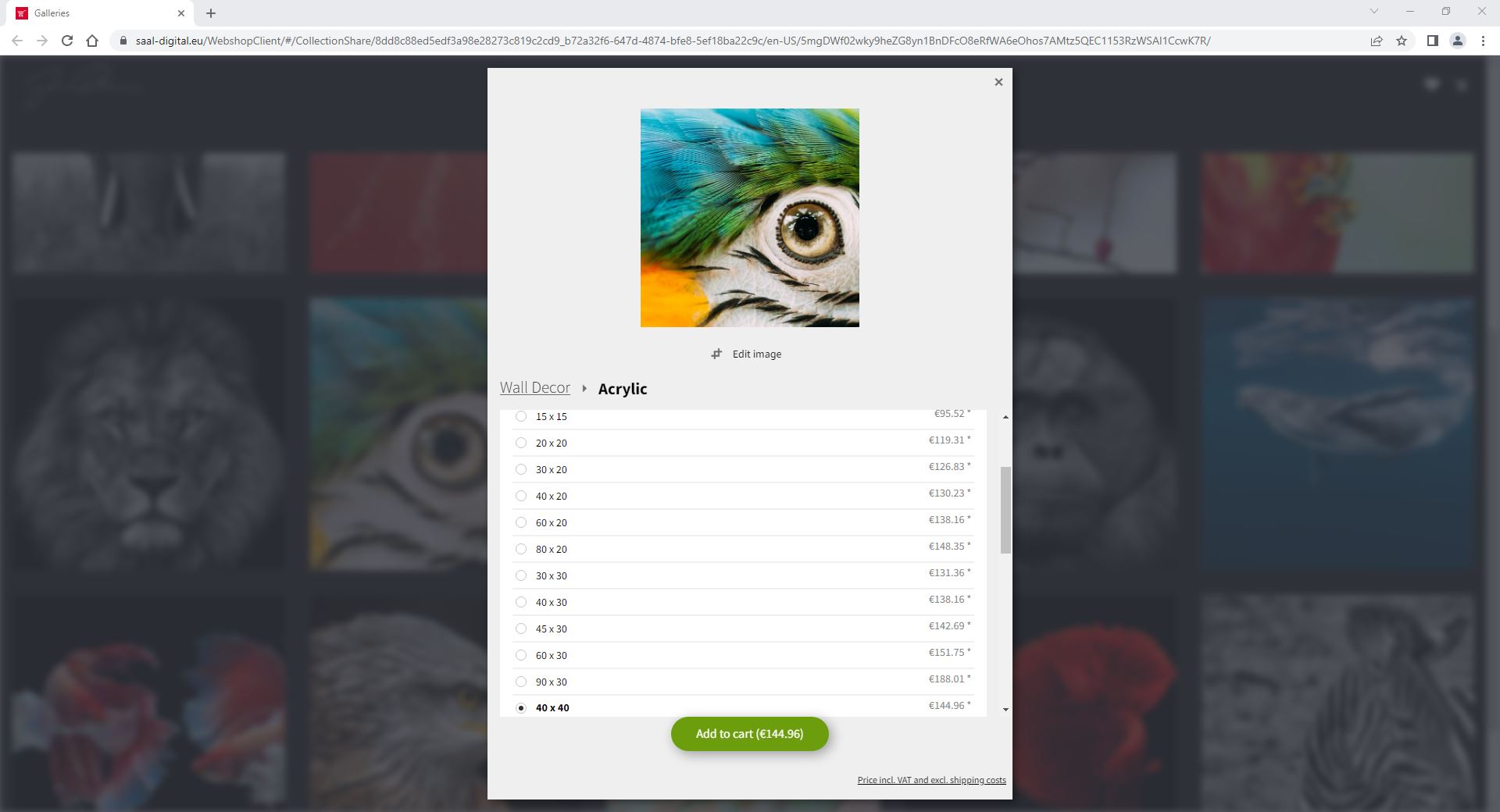
By clicking on it, the customer will be able to make the last adjustments to the image based on the format of the selected photo product.
By activating this option, you will be able to upload the final file once an order is done, and before it is forwarded to production. Please see the related content for more information.
Activating this option will display a box where you can enter a minimum order amount. This amount must be reached in order to place an order on the gallery.
Once activated, orders will be sent to production with a delay according to the settings in your Sales and Bill settings.
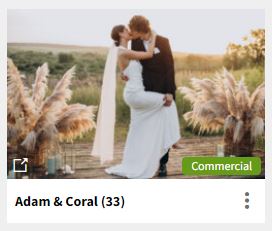
Once you are done, you need to click on Save. You will see that the status of the gallery has changed.
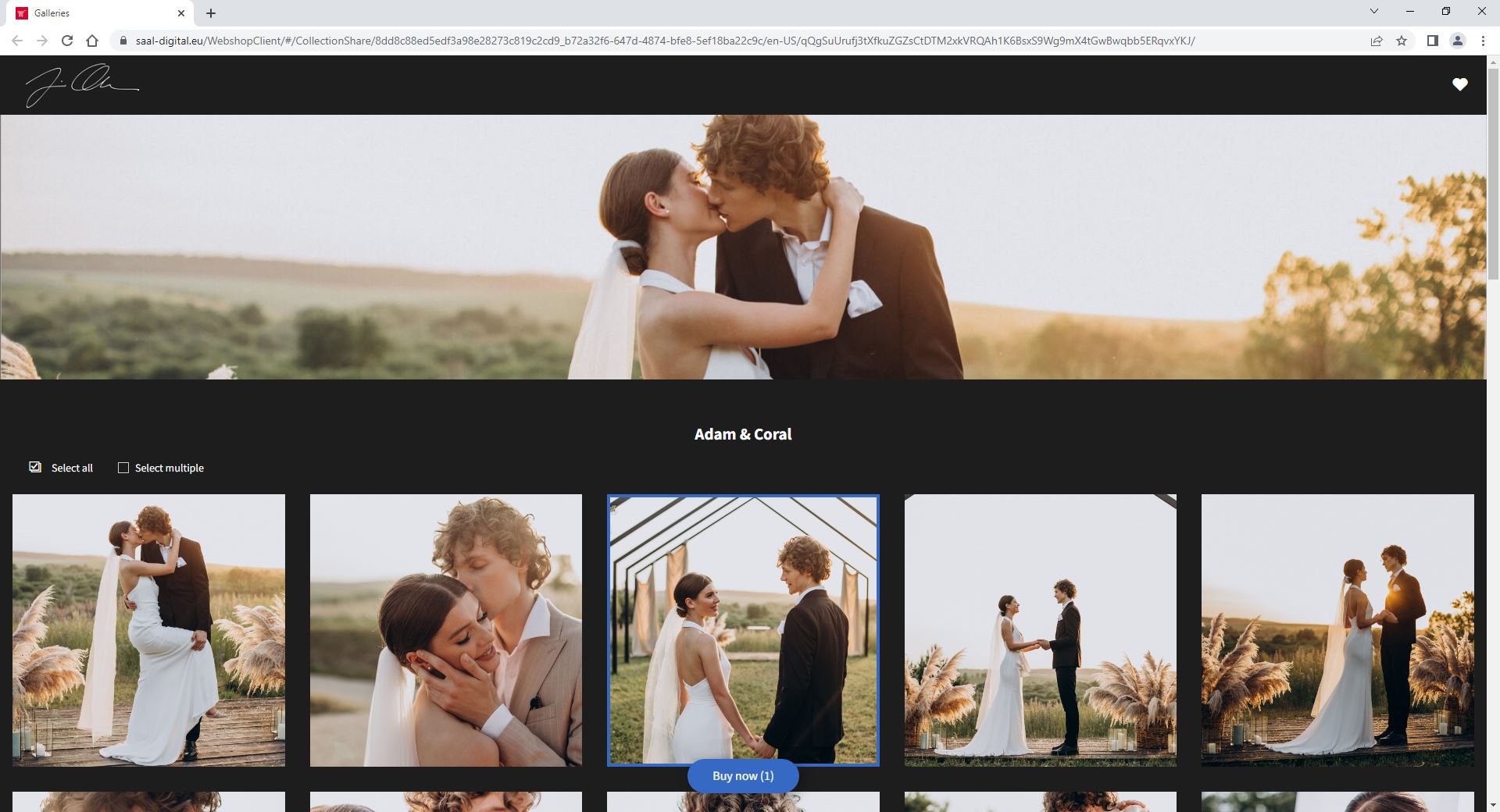
When you open your gallery, you will see that the Buy now option is now available in the gallery.
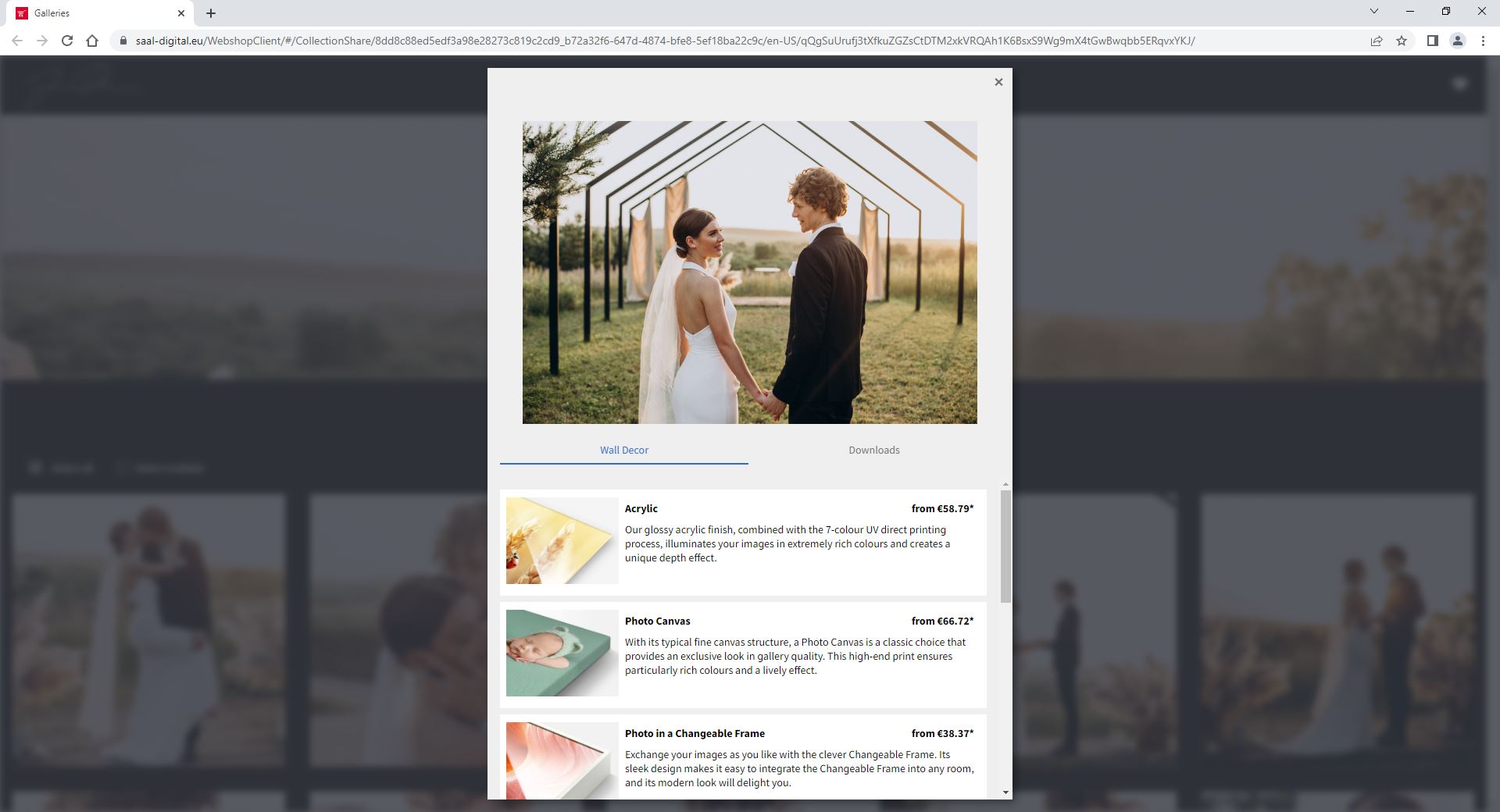
Images can be purchased according to the configuration set in the selected price list.
In addition to the galleries, all photo products such as photo books, calendars and cards can be put for sale too.

Erhalte exklusive Preisvorteile und Gestaltungstipps. Mit der Anmeldung nimmst du unsere Datenschutzerklärung zur Kenntnis. Eine Abmeldung ist jederzeit möglich.







 Change your country







